Custom & Scheduled Reports
The reports you need, delivered to the right people automatically.
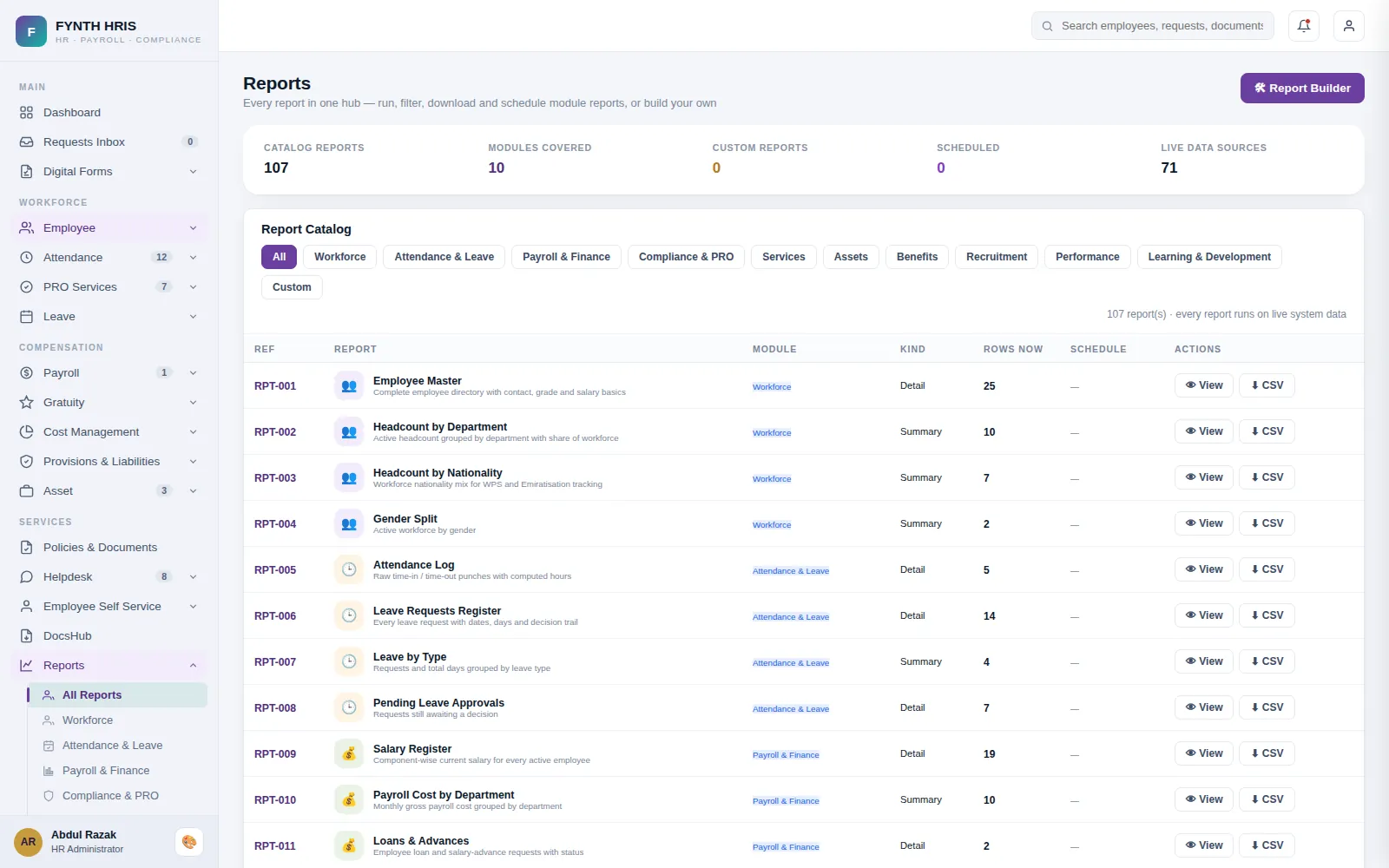
Live screen from FYNTH HRIS · sample data
Custom & Scheduled Reports Sub-Modules
Everything this module does, on the same employee record the rest of FYNTH HRIS reads from.
Build tailored reports by choosing data fields, filters and visualisations.
Generate and deliver reports daily, weekly, monthly or on a custom schedule.
Combine payroll, attendance, recruitment and other HR data in one report.
Role-based permissions keep sensitive reports visible only to authorised people.
Export to PDF or Excel and share by email or inside the HR system.
Set distribution lists so reports reach designated stakeholders automatically.
The Screens Your HR Team Will Use
Each one is a working part of the module, not a settings page bolted on afterwards.
-
Report HubEvery module report in one place, filterable, exportable and schedulable.
-
Custom ReportsPick the fields, set the filters and save it as a report of your own.
-
Scheduled DeliveryRun it on a schedule and have it land in an inbox on the day you need it.
-
Executive DashboardHeadcount, payroll, approvals, separations and document expiry on one screen.
-
Document Expiry TrackerEverything expired or expiring within 60 days, across the whole company.
-
Export & AuditExports are permission-checked per role and logged, so you know who took what.
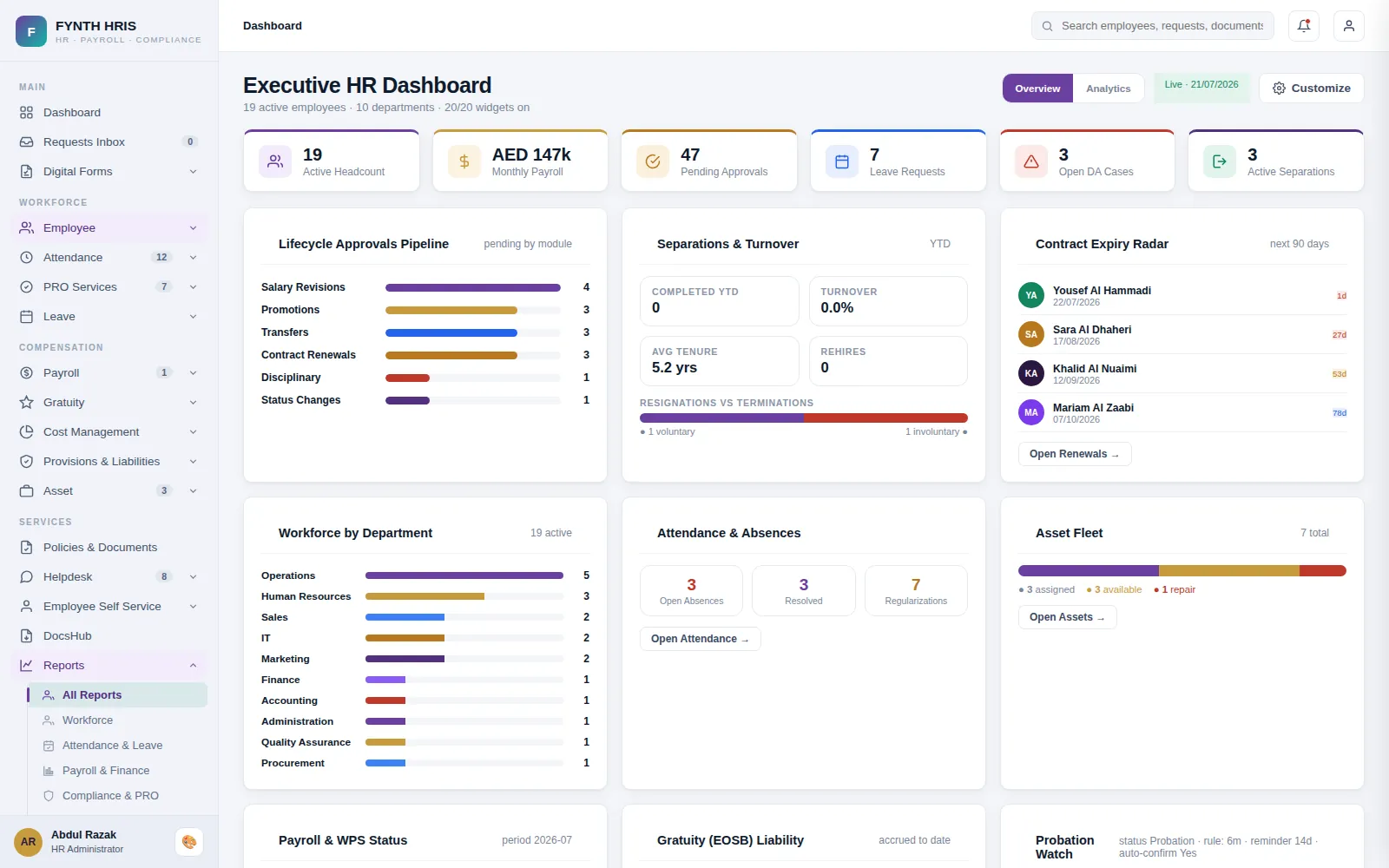
Live screen from FYNTH HRIS · sample data
From Setup to Everyday Use
Configure it once, then the module runs with the rest of the system rather than beside it.
Every module ships its own reports, filterable and exportable.
Pick the fields, set the filters, save it as a report of your own.
Have it run and land in an inbox on the day of the month you need it.
Modules That Work with This One
Every module writes to one employee record, so nothing is re-keyed between them.
See Custom & Scheduled Reports with Your Own Data
A specialist will walk you through the module using your company structure, headcount and policies.